
OPSLUCENT · SOP TOOL
Get It Out of Your Head
Turn the way you work into clear steps you can use, repeat, and share.
A task shouldn’t mean piecing together old notes, trying to remember every detail, or explaining it all again. Start with what you know.
“Get It Out of Your Head” helps you turn rough notes into a standard operating procedure (SOP) and checklist for the next time the work needs doing.
Use it with your own AI assistant, such as ChatGPT, Claude, or Gemini. You’ll need an account with your chosen service. The tool gives you a personalized prompt to copy into a new chat and guides you through what to do next.
$27 USD · One-time purchase, reuse indefinitely.
The work gets done. But the steps aren’t clear.
You’re starting from scratch each time a task comes up or maybe the instructions are scattered across notes and messages, or everyone handles the same task a little differently.
You’re ready to bring someone in and need more than “I’ll show you.”
This can mean missed steps, extra checking, repeated questions, and work you have to redo.
You want a reliable way to get it done, but sitting down to write a useful process from a blank page is easy to put off.
Start with one recurring task, such as onboarding a client, preparing an order, or sending a monthly report.
The guided questions help you catch missing details, review how the work should happen, and create a reference you or your team can actually use.
How it works
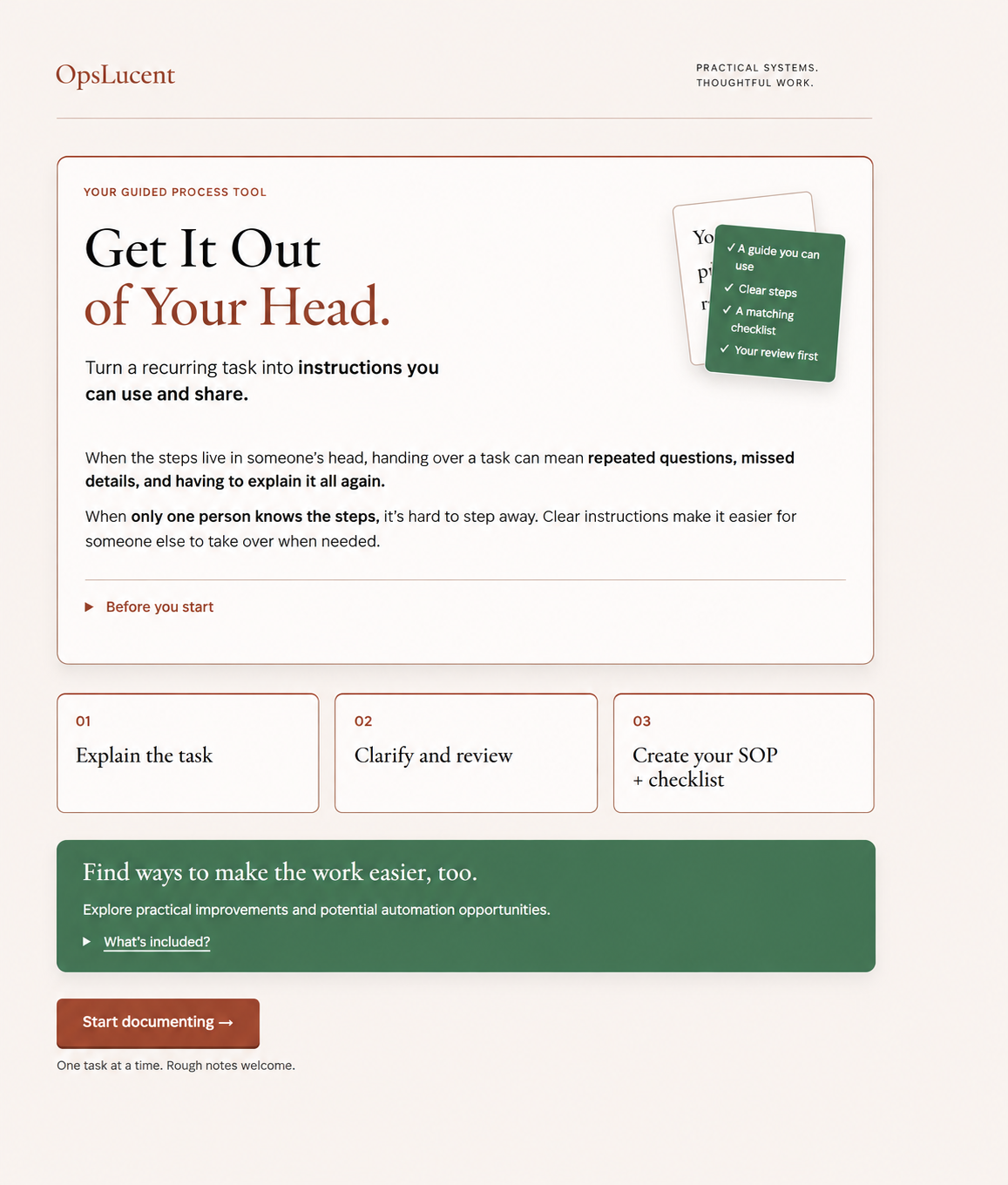
Bring your knowledge of the task. The tool helps you organize it, then guides the conversation with your AI assistant.
01
Explain the task
Follow the prompts in the tool to describe what happens. Type rough notes, use dictation, or paste a voice note transcript.
02
Clarify and review
Copy your personalized prompt into your AI assistant. Answer its questions, check the steps, and choose any improvements before creating the final documents.
03
Create and reuse
Have your AI assistant create the SOP and checklist from the reviewed process. Save them where you or your team can find and use them.
EXAMPLE · CLIENT ONBOARDING
What happens after a client signs?
You might start with “I send a welcome email and set up their folder.” During the review, you’ll clarify who sends the email, when it goes out, and what to do if the intake form is still missing.
The SOP explains those decisions. The checklist gives whoever handles onboarding a short list to run each time.
What you’ll have when you finish
An SOP for one process
Clear instructions covering the steps, responsibilities, decisions, and checks, so you or someone else can follow the process.
A reusable checklist
A shorter list to follow each time the task comes up.
If you want to improve or automate part of the process, the optional guidance helps you decide what to change first.
A few common questions
Do I need an AI tool to use this?
Yes. Use your own account with an AI assistant such as ChatGPT, Claude, or Gemini. The tool turns your notes into a personalized prompt. Copy it into a new chat, answer the follow-up questions, and review the steps before asking the AI to create your SOP and checklist.
You’re purchasing the guided OpsLucent tool; access to your chosen AI service is separate and follows that service’s plan and usage limits.
Do I need to know how to write an SOP?
No. Start by describing how you already do the work. The guided questions help you turn that explanation into steps.
Can I use this with a team?
Yes. Ask the person who does the work to review the draft and try the checklist before you rely on it for a handoff.
Where do I keep the finished SOP?
Save it wherever your team already keeps its instructions. A shared document or folder in Google Drive works well.
Can I use it for another process?
Yes. Finish one process, save your work, and start fresh with the next task.
Will it set up an automation for me?
The optional guidance helps you decide whether a step is ready for automation. Setup would happen separately. If you need automation setup assistance, please inquire about our systems & workflow implementation service.
Make the next time easier.
Choose one task you want to make more consistent, easier to remember, or ready to share. Turn what you know into instructions you can return to, with a checklist to keep the details from getting missed.
You’ll use this with your own AI assistant. Have an account ready with a service such as ChatGPT, Claude, or Gemini. AI service access is separate from your purchase.
$27 USD · Purchase once. Reuse indefinitely.